October 21, 2026
The Hidden Cost of Silent Automation Failures (And How to Self-Heal Them)
The most dangerous bugs in business automations are the ones that never send an error email. Here's how to monitor, log, and auto-retry your pipelines.
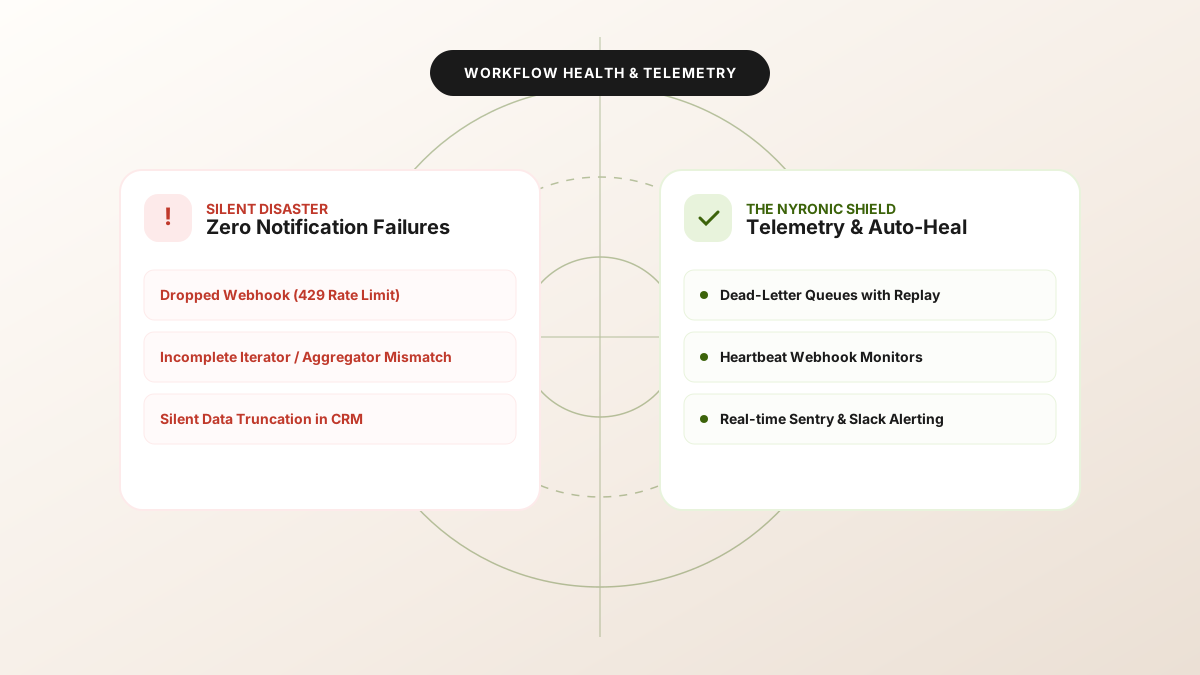
When a web server crashes, alarms ring immediately: PagerDuty goes off, status pages turn red, and engineers mobilize.
When a webhook in your Make.com or n8n pipeline quietly drops an enterprise deal update, nobody notices for three weeks—until the sales VP asks why $180,000 in pipeline is missing from the CRM.
This is the reality of silent automation failure.
Anatomy of a Silent Automation Failure
Silent failures typically occur without triggering standard error notifications. Common culprits include:
- Filtered Out Bundles: A filter condition silently drops 20% of leads due to an unexpected null value in a newly added form field.
- 200 OK with Error Body: Third-party APIs (such as payment gateways or legacy ERPs) returning HTTP
200 OKwith a response body containing{"status": "failure", "code": "E402"}. - Silent Rate Limiting: Webhooks dropping incoming HTTP requests when concurrent executions saturate the engine's worker thread pool.
- Data Truncation: A text field exceeding character limits on the target database, quietly truncating critical notes without throwing an error.
Four Rules for Self-Healing Automations
1. Implement Idempotency Keys on Every Transaction
Every incoming webhook or event should carry a unique hash (md5(event_id + timestamp)). Before executing side effects, check a fast key-value cache (or Postgres table) to guarantee each event is processed exactly once, eliminating duplicate customer charges or double emails.
2. Heartbeat Ping Monitoring
Don't wait for your workflows to report an error. Use an external heartbeat service (like Better Stack or Healthchecks.io). If your scheduled synchronization scenario fails to ping the heartbeat monitor within its expected interval, an alert is dispatched immediately.
3. Automated Dead-Letter Queues (DLQ) with Replay Capability
Store every failed payload in an isolated, queryable database table. Once the downstream service recovers or the schema mapping is patched, trigger a single webhook to replay all failed payloads sequentially.
4. End-to-End Synthetic Verification
Run a synthetic test lead through your entire funnel once every 24 hours. Verify that it appears in your CRM, triggers the expected Slack notification, and compiles correctly into your reporting dashboard.
Audit Your Mission-Critical Automations
At Nyronic, we provide comprehensive automation audits for businesses running Make.com, n8n, and custom API pipelines. We identify silent bottlenecks, install telemetry monitoring, and make your infrastructure bulletproof. Schedule an automation review call today.